Usability testing plan
A practical, end-to-end guide to running usability tests that actually drive design decisions. Learn how to plan, run, and analyze moderated or unmoderated sessions, with actionable do's and don'ts, stakeholder tips, and real-world templates.
Usability testing plan
| Type | Guide |
| Description | A practical, end-to-end guide to running usability tests that actually drive design decisions. Learn how to plan, run, and analyze moderated or unmoderated sessions, with actionable do’s and don’ts, stakeholder tips, and real-world templates. |
| Area | Design, Research, Usability |
| Artifacts | Usability%20testing%20plan/Example_Usability_testing_timeline%201.xlsx, https://www.notion.so/9e36b99307994e9480b757b09f0ccf43?pvs=21 |
A practical, end-to-end guide to running usability tests that actually drive design decisions. Learn how to plan, run, and analyze moderated or unmoderated sessions, with actionable do’s and don’ts, stakeholder tips, and real-world templates.
Contents
- Intro
- Before start
- Prepare Research Plan
- Prepare artifacts
- Recruit Participants
- Perform tests with users and observe
- Analyze findings and prepare recommendations
- Share results
👉🏼 Intro
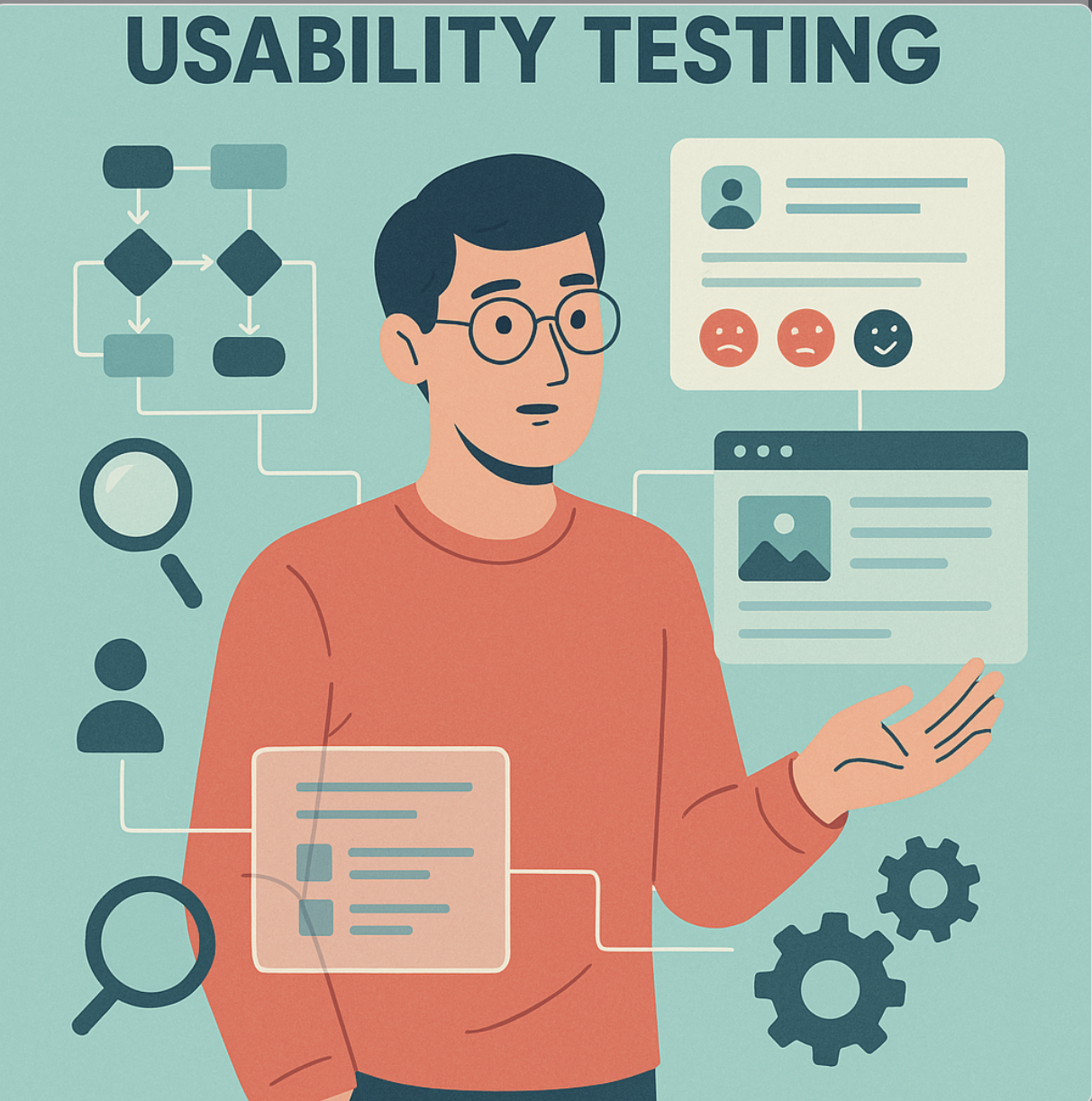
Usability testing is a qualitative method that supports design process by delivering insights into how users are able to use tested solutions and a better understanding of their mental models.
Usability testing does not deliver evidence in terms of user value, e.g. how tested solutions address users’ problems or support them during performing their jobs to be done (JTBD). The design process should address value risk (whether customers will buy or users will choose to use it) before usability.
👈🏼 Before start
Follow the link to see a deck that covers basics about usability studies, deliverables approach, and so on, to share with stakeholders.
It helps to get their buy-in to make the research and gives additional input for preparing the research plan and choosing the right method.
📃 Prepare Research Plan
1. Research Goal
What are we doing tests for?
Examples:
- Identifying issues in terms of usability of tested product or prototype
- Evaluation of launched enhancements to product or prototype
- Gathering feedback as input to make a design decision between two proposed initial solutions
Most common areas to test: Intuitiveness, Navigation, Understanding of solution concepts, Information Architecture, and Terminology (interface copy).
2. Research Questions
What do we want to know?
Examples:
- Are users able to perform steps to achieve their business goals?
- Are users aware of system status at each step?
3. Method
How will we find out?
Form:
- Moderated ↔︎ unmoderated
- On-site ↔︎ remotely
- Concept ↔︎ Prototype ↔︎ Product
Variants of usability tests:
- Experience think-aloud
- Co-discovery learning
- Coaching method
- 5-second test
- First impression test
4. Participants
Who do we need to ask?
Consider a spectrum of:
- on one end, respondents who are facing a problem that product you're working on is trying to solve (real users),
- on the other end, respondents who based on demographic criteria might match with a mental model of designed personas (real users).
How many participants do we want to ask?
It depends on the form of study, when
- unmoderated tests, then use the opportunity to provide some ‘quantitive’ data to get their buy-in as it resonates more in most stakeholders' minds.
- moderated tests, do not overestimate the number of participants as this is qualitative research in the end and may extend the research timeline without significant profits.
5. Timeline
What and when must happen?
Consider:
- preparing research plan
- preparing prototype (or other artifacts if needed)
- conducting dry-run to test tasks
- conducting test sessions
- time to prepare yourself to conduct sessions and capture essential notes after
- rewatching sessions and making notes
- analysis and preparing design recommendations
- preparing report to share with stakeholders if needed
6. Budget
How much will it cost?
Consider:
- recruiting participants (or access to the users pool)
- the license of tools needed to conduct remote sessions (many of them have free trial i.e Lookback)
Statistics about commonly used tools to conduct usability research - > ReOps Toolbox Project.
🧙🏼♂️Prepare artifacts
Prepare test scenario
Test scenario is a script for conducting tests and may include:
- Intro (all information to be shared before tests)
- In-depth interview questions
- User’s tasks
- Notes for moderator and observer
Do’s and don'ts
🪄Prepare Prototype
Depends on the project stage, it doesn't have to be always a clickable prototype (but usually it is). Keep in mind also the effort required to prepare the prototype and design team capacity, it may be reasonable sometimes to test usability on a pre-launch product.
Do’s and don'ts
🧙🏼Recruit Participants
Do’s and don'ts
💻 Perform tests with users and observe
Do’s and don'ts
🤔 Analyze findings and prepare recommendations
Do’s and don'ts
🔫 Share results
Do’s and don'ts